How Do I Keep My Photo's Location and Camera Data Off My Blog?
VeloCMS now strips EXIF metadata from every image you publish, so GPS coordinates, camera model, and shooting details never reach your readers. It's automatic, happens at upload time, and works across every theme and post format.
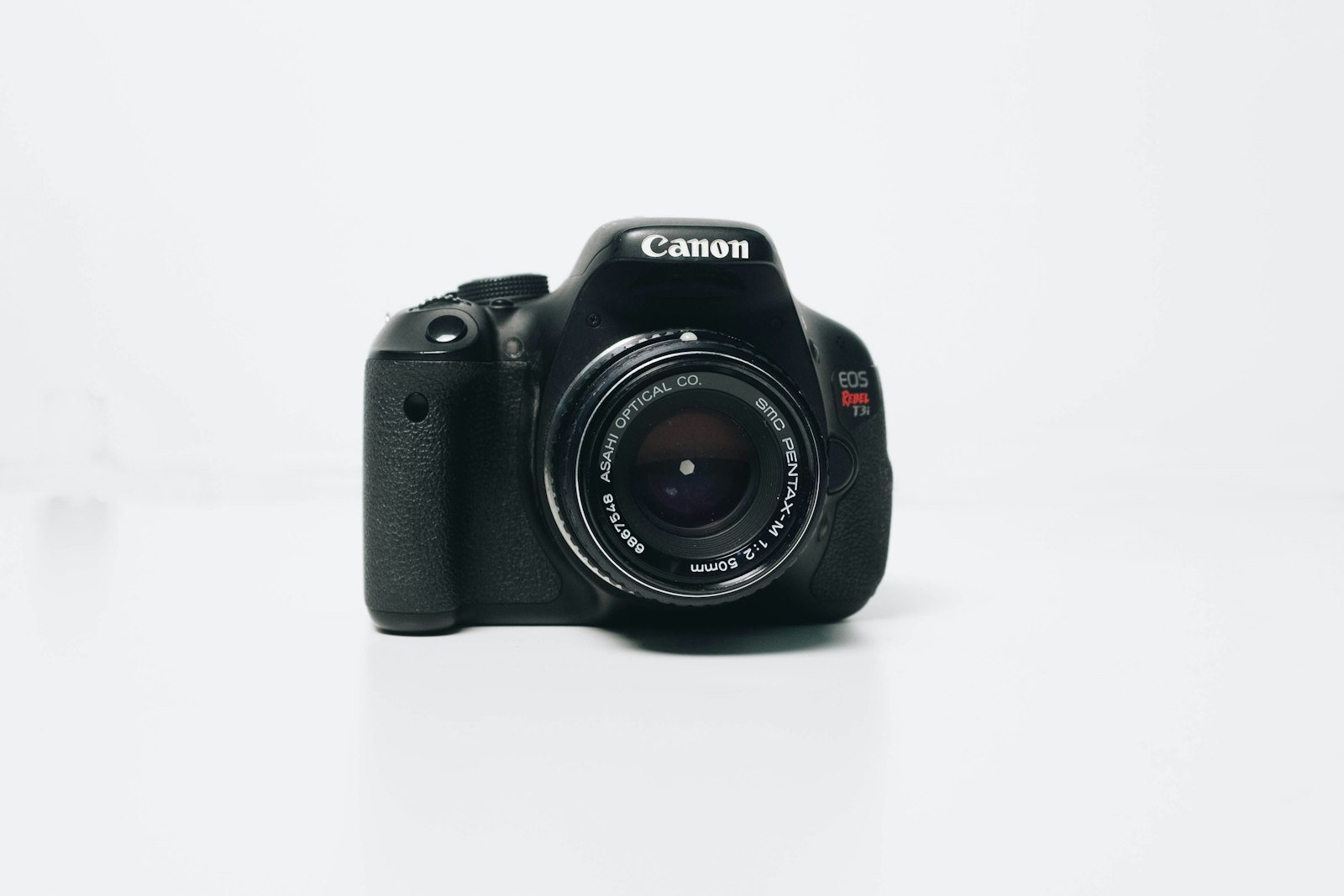
Every photo your phone or camera takes carries a hidden passenger. EXIF metadata embeds the GPS coordinates of where you stood, the exact camera and lens you used, even the time and date you pressed the shutter. Most of the time that data sits harmlessly in the file. The moment you upload it to a blog, though, it becomes a privacy leak you probably didn't mean to share.
None of this is exotic or hidden behind some setting you'd have to know to look for. Journalists have warned about it for years: a source's location given away by a geotagged photo, a shelter's address pinpointed by a well-meaning volunteer's post, a public figure's home narrowed down from a handful of casually shared vacation snapshots. Bloggers rarely think of themselves in the same category as any of that, but the mechanism is identical either way. The metadata doesn't care whether the account has twelve readers or twelve million.
Why does photo metadata matter for bloggers?
If you write about your home office, your weekend hike, or your kid's soccer game, the image you publish can quietly reveal your street address or daily routine. A reader with basic tools can pull latitude and longitude straight out of a downloaded photo. Camera and lens details might seem harmless until they become another data point someone can combine with everything else you've posted online. For photographers, creators, and indie publications, this is exactly the kind of small detail that erodes trust over time.
Think about the kind of images that actually end up on an independent blog. A recipe post shot in your real kitchen. A gear review photographed on your real desk. A travel diary entry taken from the balcony of wherever you're actually staying that week. None of those photos are trying to reveal anything — they're just photos, taken where you happen to be, published because they illustrate the story you're telling. The metadata riding along with them was never part of that story.
What does VeloCMS do with uploaded photos?
Starting this week, VeloCMS removes location and camera metadata before the image ever reaches your public site. Upload a photo to a post, a page, or the media library, and the file you publish is scrubbed clean of GPS tags, camera make and model, lens information, and other identifying EXIF fields. The image itself stays untouched, so color, resolution, and quality remain exactly as you intended. You don't flip a switch or pick a setting. It just happens.
It isn't a separate step you have to remember, and it isn't a checkbox buried three menus deep in some settings panel. It happens in the same upload pipeline that already resizes your image and converts it for the web — one more pass through a process your photo was going through anyway. You don't notice it happening, which is really the point. The protections that work best are usually the ones you never have to think about.
Does this work everywhere photos appear?
Yes. Whether the image lands in a blog post, a portfolio showcase, a product listing, or a theme header, the published version has already been stripped. The original upload is still available to you in the admin media library if you need it for your own records, but visitors and search engines only see the clean copy. That separation is what makes the feature reliable: your workflow stays the same while your readers get a safer version by default.
What about photographers who want to keep some metadata?
We built this with the default set to privacy-first because most creators forget metadata exists until it's too late. If you specifically need to preserve technical metadata for a portfolio proof or licensing context, you can download the original file from your media library at any time. The published copy remains stripped, which is the right default for anything living on the open web.
That's really the decision underneath all of this, more than any single technical detail. Defaults are what most people actually experience, because most people never open a settings panel to go looking for a toggle. A privacy feature that only works if you remember to turn it on protects the minority who read documentation and quietly skips everyone else. Stripping metadata automatically means the protection covers every blogger from their very first upload, not just the ones who went hunting for a setting called "privacy."
Privacy-by-default shouldn't be a feature you have to configure. It should be the floor. VeloCMS already handles responsive images, WebP conversion, and CDN delivery automatically, so adding metadata stripping fits the same philosophy: publish great-looking media without becoming an accidental source of personal data.
If you're building a site where images matter and you don't want to worry about what's hiding inside them, VeloCMS is available on a 14-day free trial. Upload a photo, publish it, and rest easy knowing the story your readers see is the one you actually wrote.